
One inspection, start to sent.
What the day actually looks like with Doxvora in your hand, from the front curb to the message your client opens.
Capture
You talk. Doxvora listens.
The field is hands-busy. You are up a ladder, or on your elbows under the house, and there is no spare hand for a keyboard. So you say what you see the way you would say it to a partner standing beside you. Take a photo in the middle of a sentence and it attaches to what you were saying when the shutter fired. Nothing about this needs a signal, because the speech never leaves the device as speech. There is no audio file, on the property or afterward. There is nothing to upload and nothing to lose.
Your photographs are yours. They are never sent to an AI service.
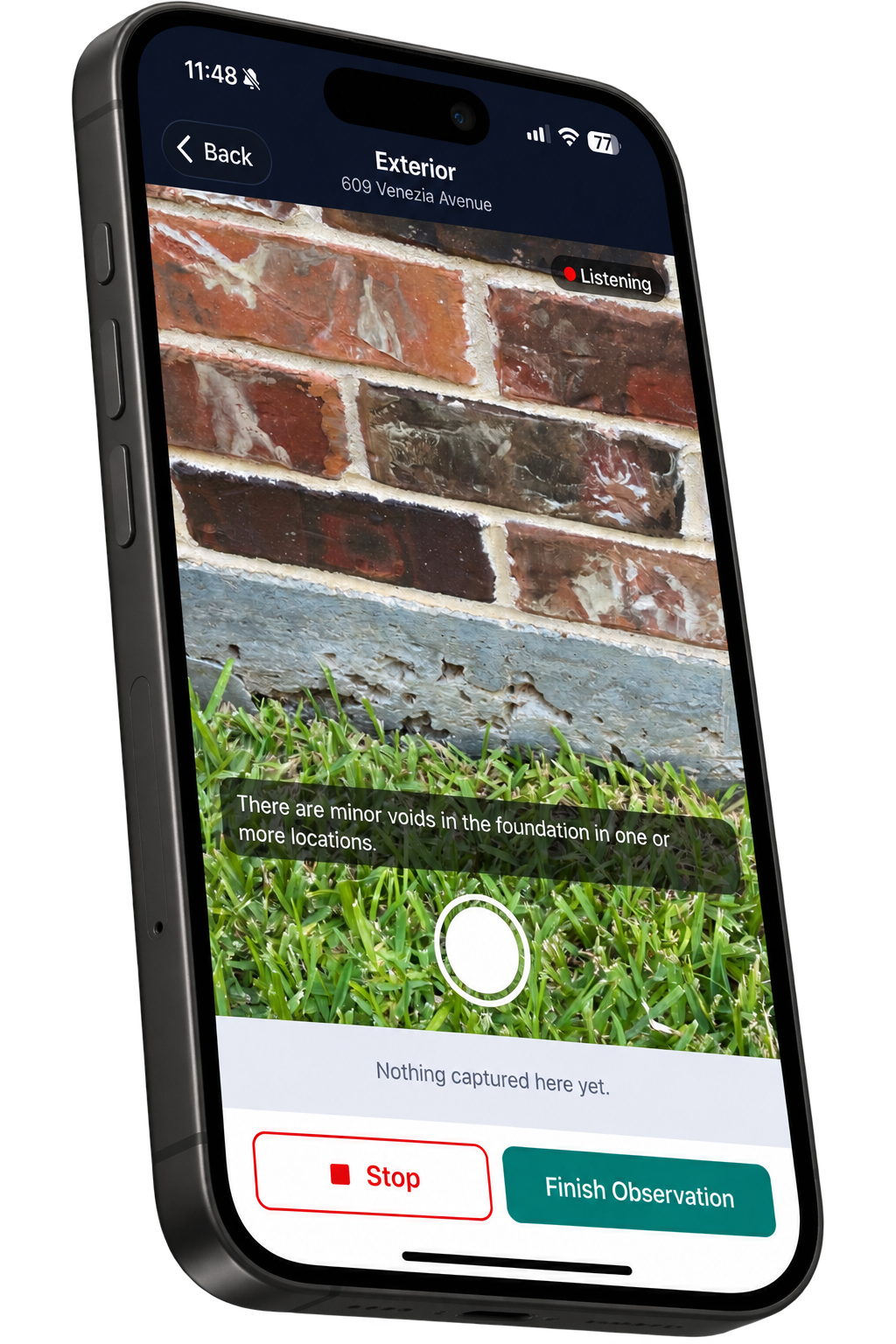
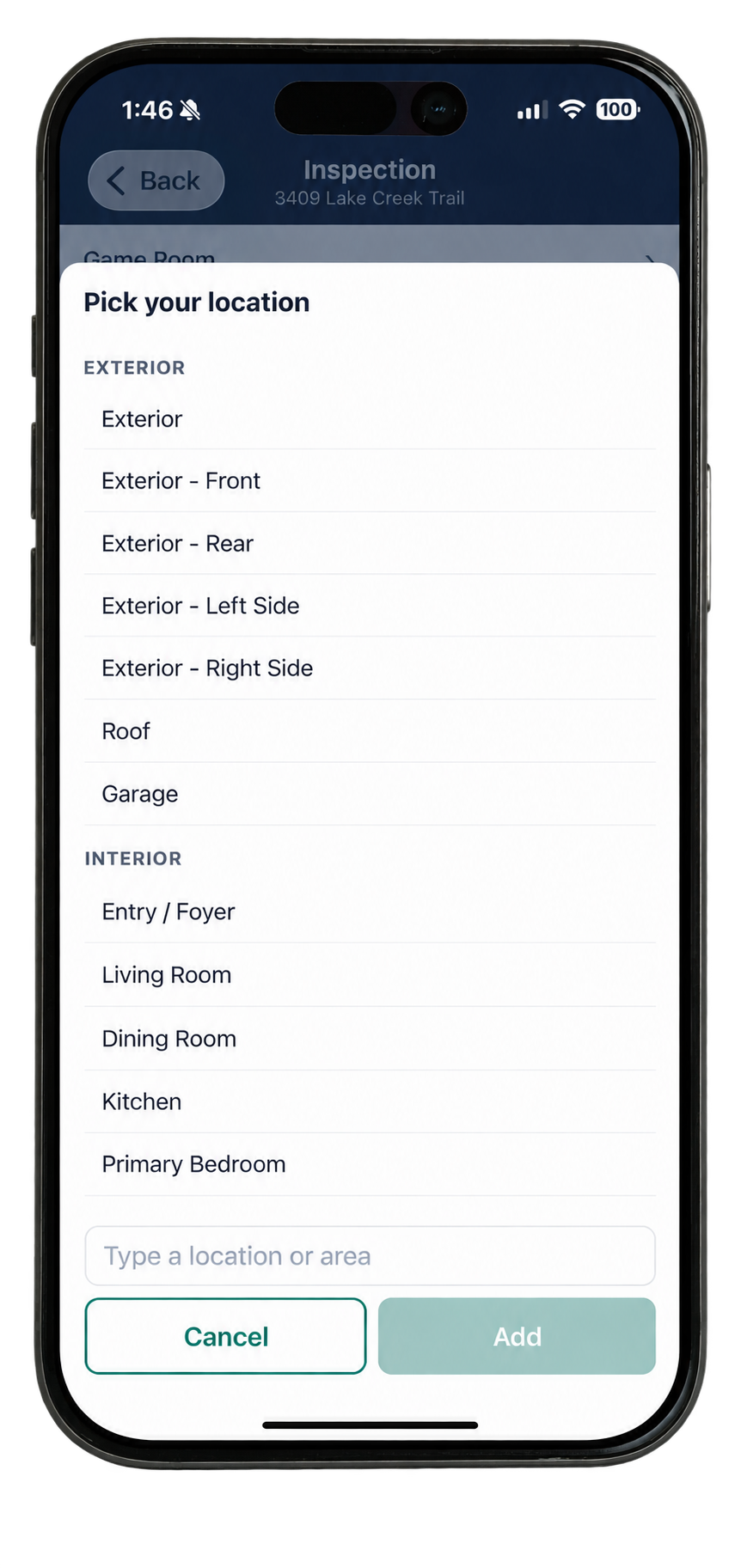
No route. No order. No script.
Doxvora does not tell you how to inspect a house.
Start on the exterior and work the perimeter. Start in the attic while it is still cool. Start wherever the property and the day tell you to start. You name the places you are working in and move between them however the property and the day require.
What you say in each one gets filed where it belongs regardless of when you said it, so there is no such thing as doing it out of order. Come back to a room three times and the observations stack up in the same place.
Clarify
Sometimes one sentence carries more than one piece of information.
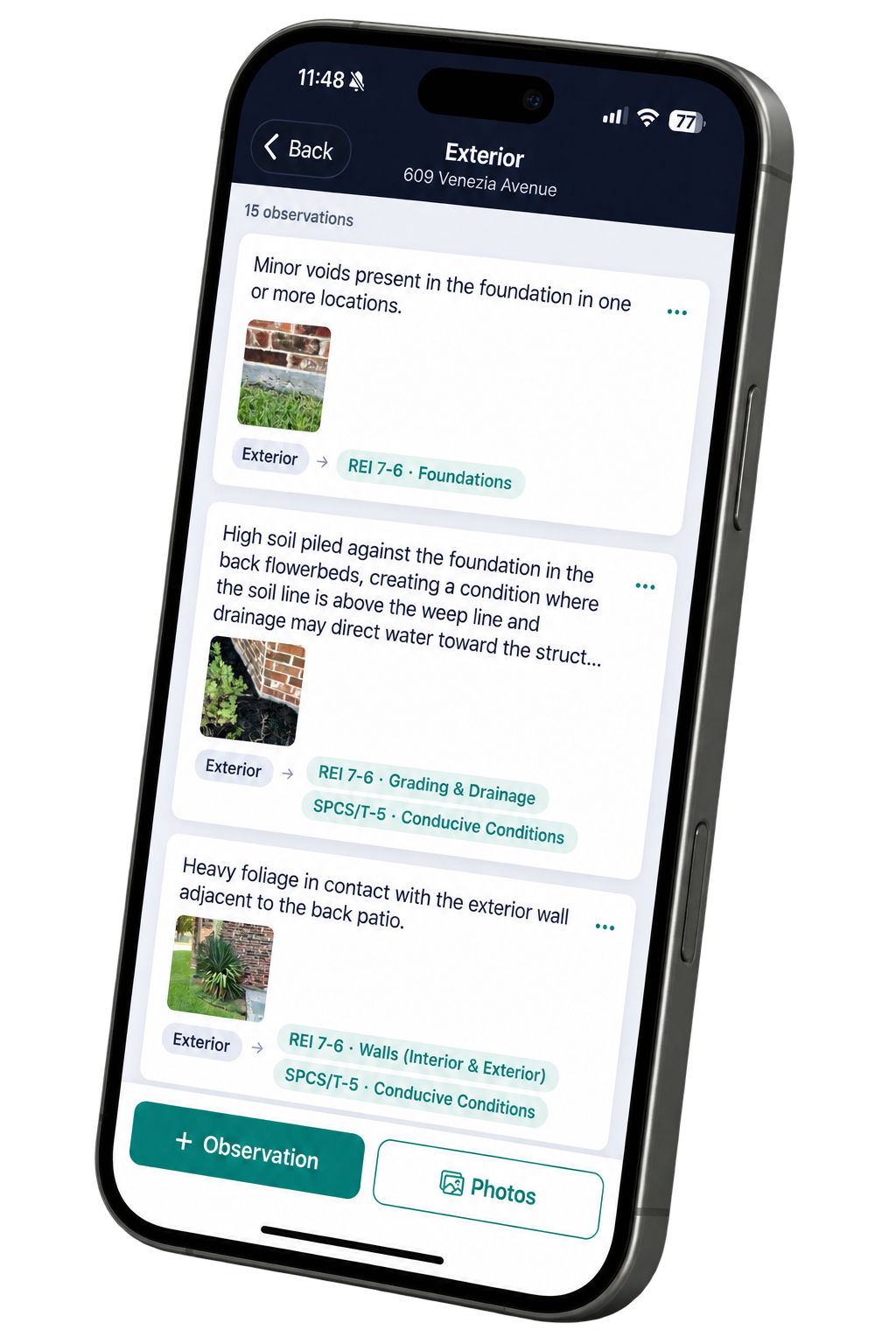
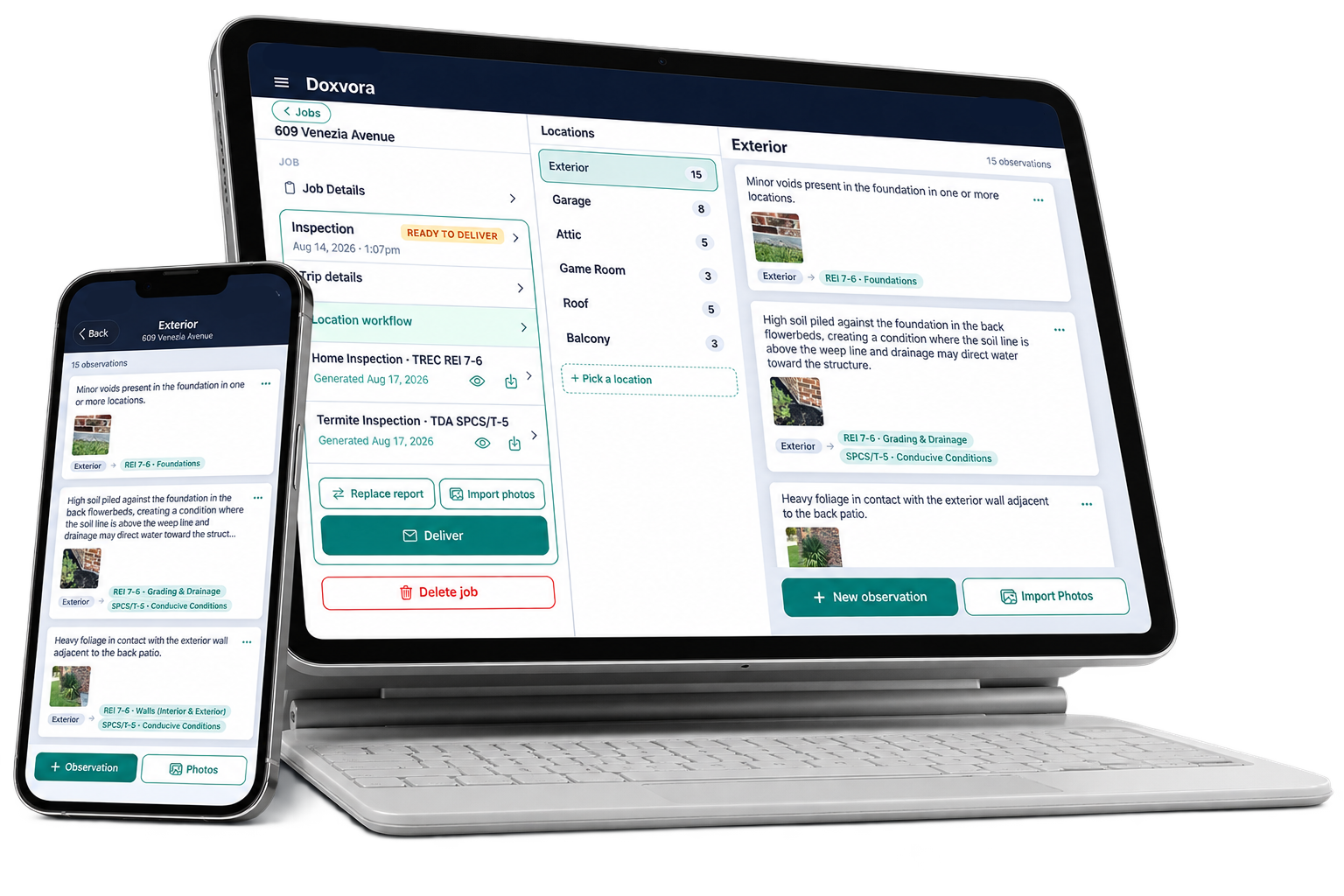
You say there is high soil piled against the foundation in the back flowerbeds and that the soil line sits above the weep line. That is a grading and drainage deficiency on the REI 7-6 and it is a conducive condition on the SPCS/T-5. Doxvora separates what you said into the distinct observations inside it, decides which section of which form each one belongs to, writes it the way the report needs it written, and attaches the photograph you took while you were saying it.
Every observation shows you where it landed. If it went two places, it says so.
Wrap up makes sure the report is complete.
The form asks for things a narration will not naturally produce: an opinion on the foundation, the roof covering material, a static water pressure reading, a system you never mentioned because it was not there. Wrap up asks you for each one, a single question per screen, and only the ones you have not already answered. You leave the property with a report that has nothing missing from it.
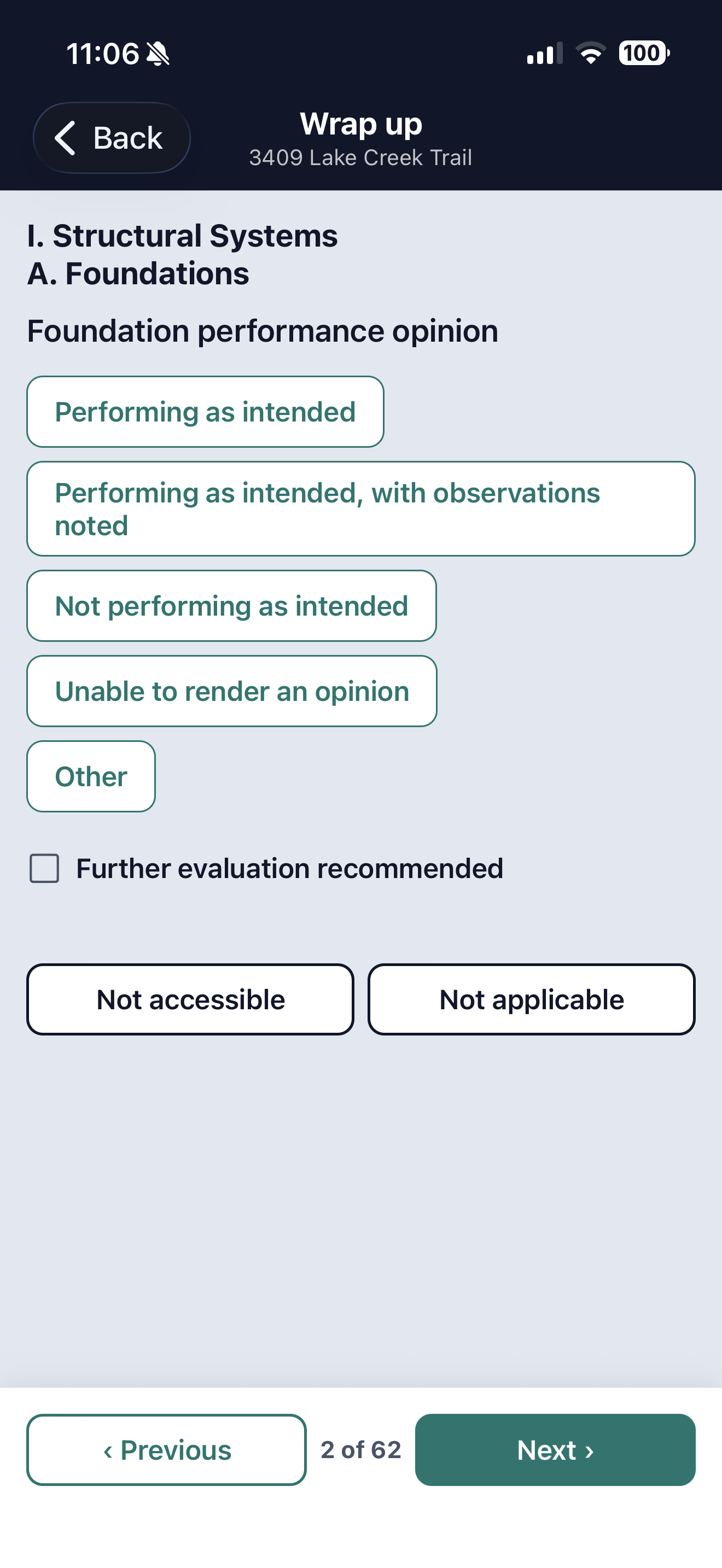
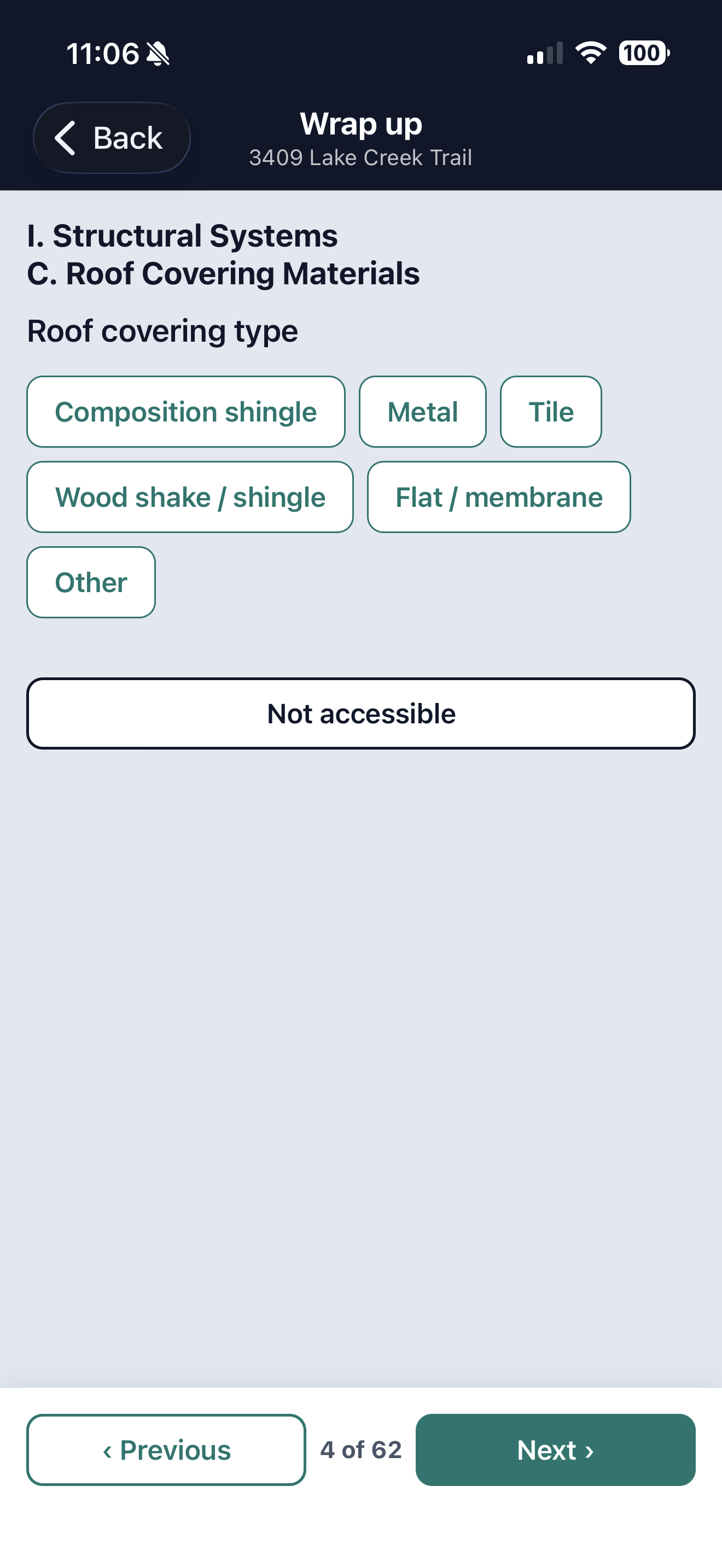
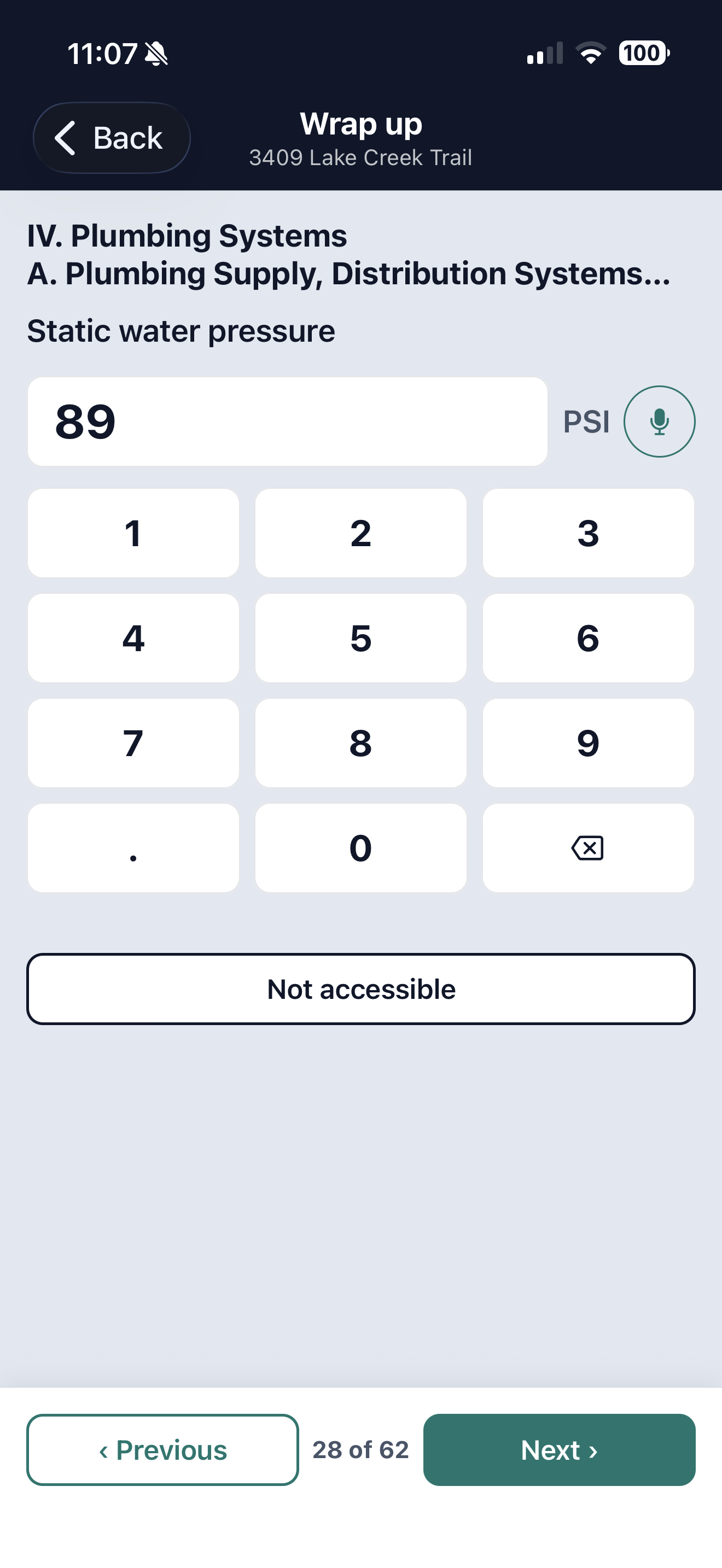
Answer them the same way you did everything else.
Type a reading or say it, tap the answer the form defines, or mark a system not applicable. Whatever you skip stays on the list until you deal with it.
Deliver
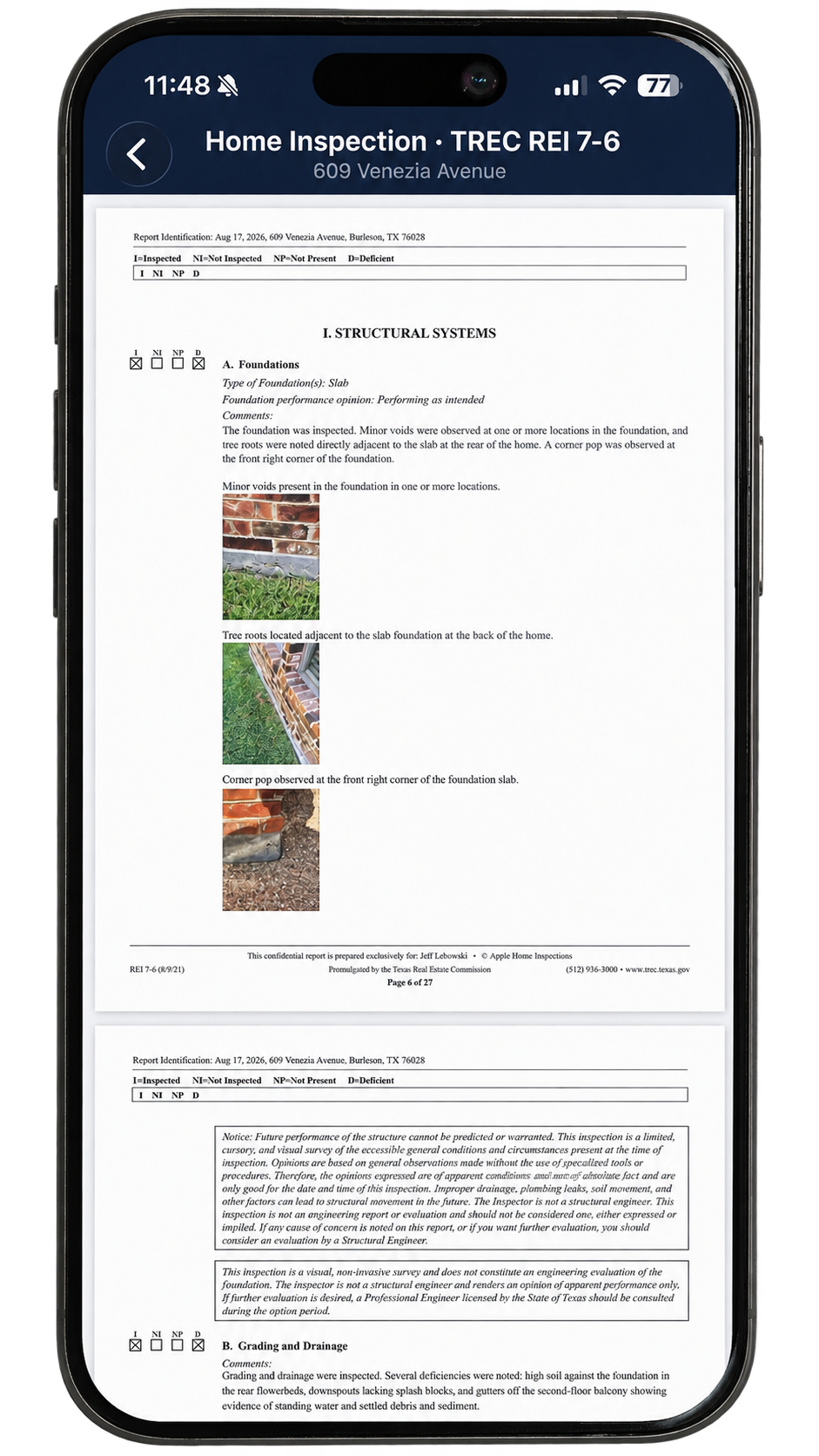
The report builds from what you recorded.
When it is done you have the document, and you can read the whole thing on your phone or your iPad before anyone else sees a page of it. You can also go through it with your client right there on the property, which is a conversation you have never been able to have on the day of the inspection.
One tap builds it and one more sends it. Your client opens a page rather than a forty megabyte attachment, and you can see that it landed. All of this happens in the driveway, which is the entire point.
The services you offer
Every service a property needs carries its own report on its own prescribed form, and Doxvora produces each one exactly as the State publishes it. Two are here today. The rest are on the way, and every one of them works the same way: describe the property once, and each report takes what belongs to it.
Property inspection
The promulgated TREC REI 7-6. Structural, electrical, HVAC, plumbing, appliances and the optional systems, each section carrying the four marks the Commission defines and nothing else. Doxvora sets those marks from what you said and adds the deficiency summary your client reads first.
Wood destroying insect
The SPCS T-5, including the structure diagram, evidence of infestation and conducive conditions. If you hold both licenses this comes out of the same narration as the property inspection rather than a second trip through the house.
More residential services
Pool and spa. Septic. Irrigation. Well water. The services a buyer asks you for in the same phone call, on one trip, in one place, billed as one job.
It works where you work.
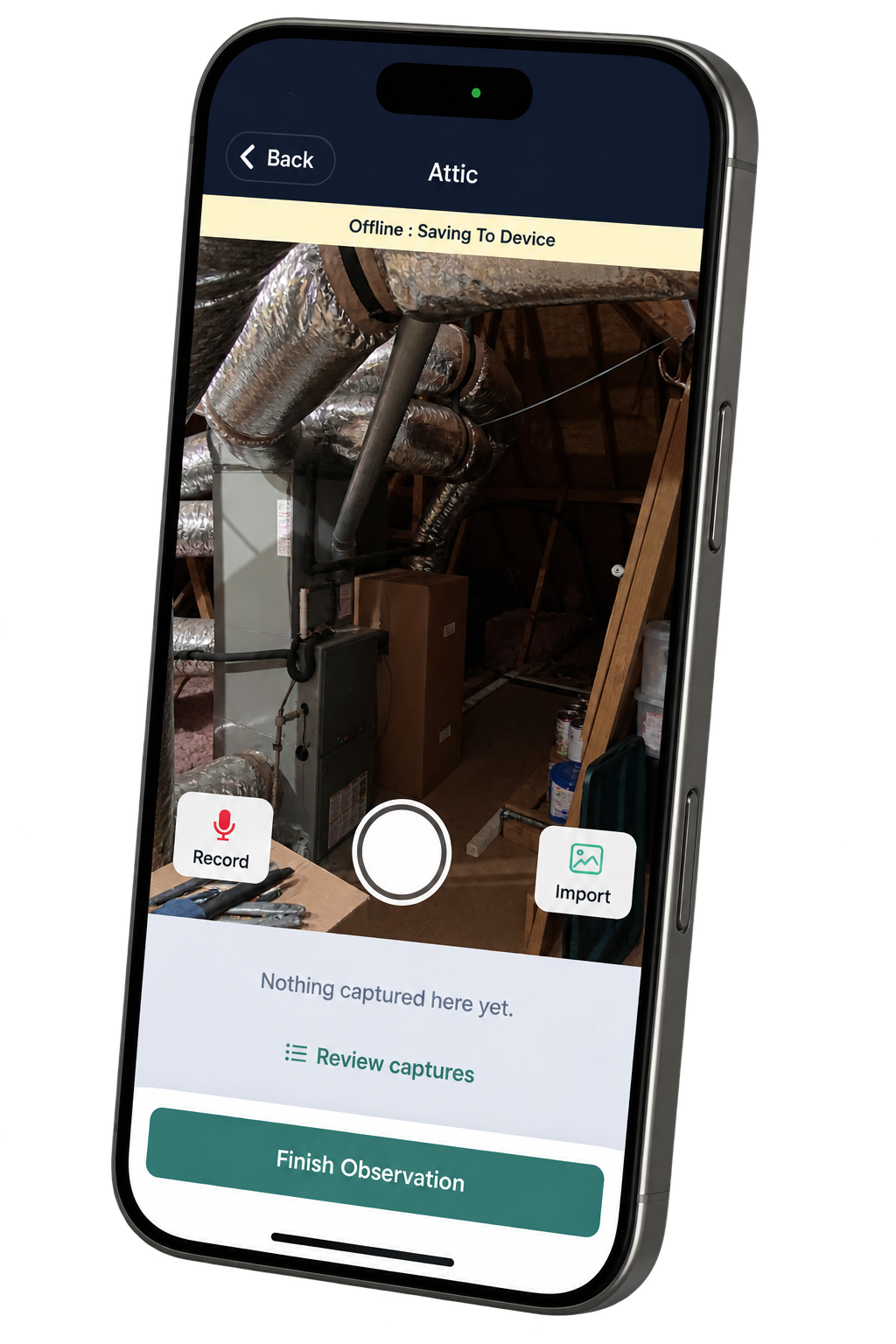
Signal is not a feature.
Capture does not need one. Everything on the property runs on the device, which is why an attic with no bars is not a problem. Building the report and sending it do need a connection, and the app tells you so directly. If you are somewhere with nothing, you capture now and generate when you have a signal.
Phone or tablet, whichever is in your hand.
Capture is identical on both. The tablet keeps the job on a rail down the side so what you are working on sits beside where it belongs. Work on one and it shows up on the other.
Your first five reports are on us.
Nothing is billed until a finished report leaves your hands.
See pricing